Tag: wireshark

Configuring VXLAN in Proxmox VE

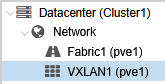
About VXLAN From Wikipedia: Virtual eXtensible LAN (VXLAN) is a network virtualization technology that uses a VLAN-like encapsulation technique to encapsulate OSI layer 2 Ethernet frames within layer 4 UDP datagrams, using 4789 as the default IANA-assigned destination UDP port number, although many implementations that predate the IANA assignment use port 8472. VXLAN attempts to […]

Zabbix 7.0 Proxy Load Balancing

One of the new features in Zabbix 7.0 LTS is proxy load balancing. As the documentation says: Proxy load balancing allows monitoring hosts by a proxy group with automated distribution of hosts between proxies and high proxy availability. If one proxy from the proxy group goes offline, its hosts will be immediately distributed among other […]

Capturing Packets on Windows with Packet Monitor (Pktmon)

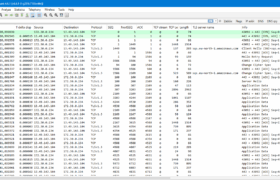
As https://learn.microsoft.com/en-us/windows-server/networking/technologies/pktmon/pktmon puts it: Packet Monitor (Pktmon) is an in-box, cross-component network diagnostics tool for Windows. It can be used for packet capture, packet drop detection, packet filtering and counting. Nice thing about it is that it is present by default on all modern Windows versions, so you can do a quick packet capture when […]

Zabbix Active Agent Autoregistration

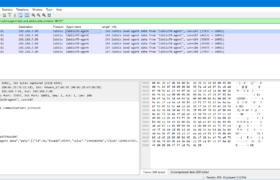
Let’s see how the Zabbix active agent autoregistration works in the communication. I have configured the Zabbix agent (version 6.2.3) on the Linux host at 192.168.7.17 with this configuration: ServerActive=192.168.7.15 Hostname=Test-agent After restarting the agent, the Zabbix server (version 6.2.3) at 192.168.7.15 logged immediately in /var/log/zabbix/zabbix_server.log: cannot send list of active checks to “192.168.7.17”: host […]